Restaurant Networks
Wi-Fi & Network Infrastructure for San Francisco Restaurants
Reliable connectivity for POS systems, staff devices, guest Wi-Fi, cameras, streaming systems, and the growing number of connected technologies used in modern restaurants.
PluggedIn Pros helps restaurant owners stabilize and improve the network environments their operations depend on every day.
Why Restaurant Networks Are Different
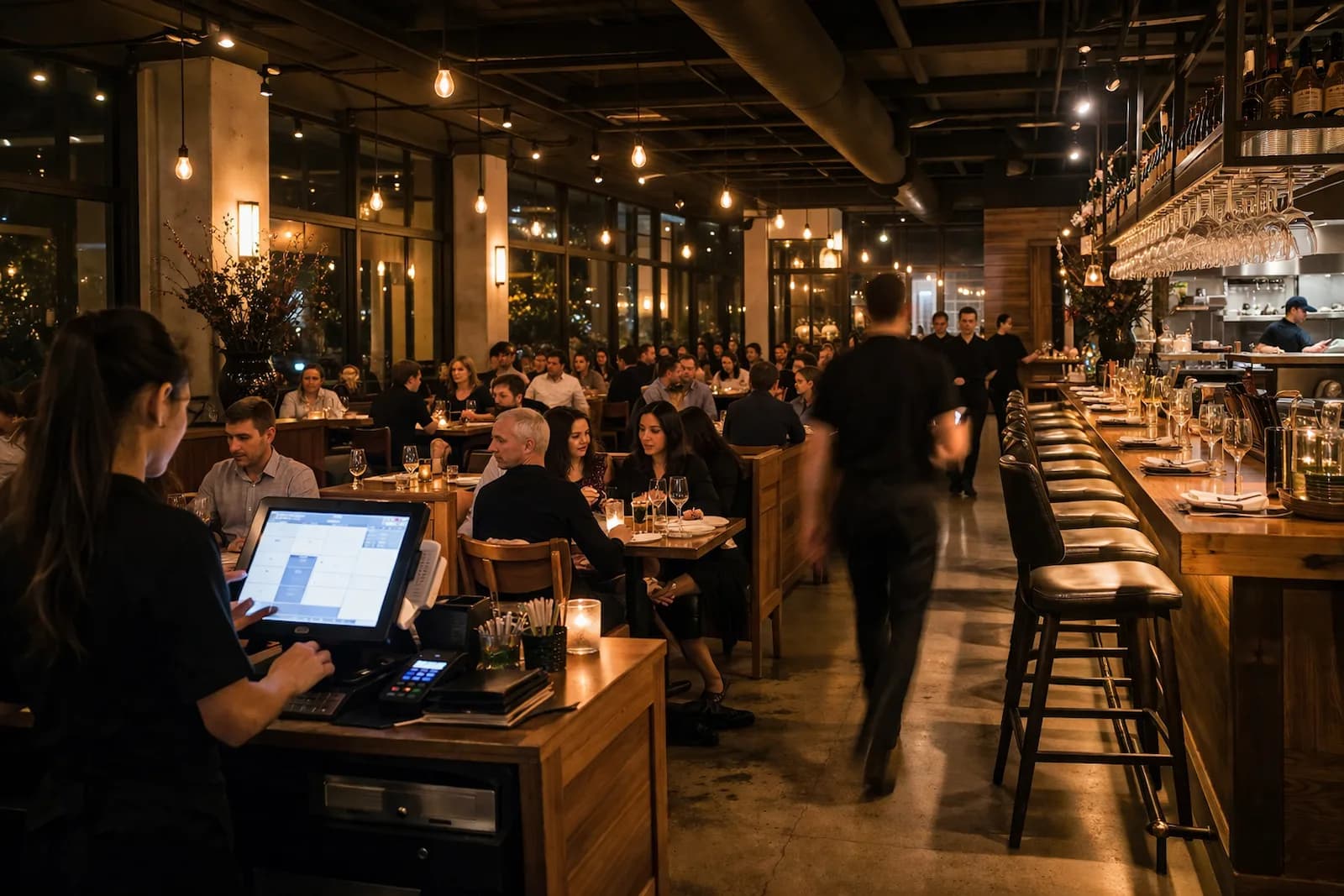
Restaurants depend on network connectivity in ways many other businesses do not. POS systems, payment terminals, handheld ordering devices, guest Wi-Fi, security cameras, streaming services, and phone systems may all share the same infrastructure.
During busy service periods, dozens — sometimes hundreds — of devices may be connected at once. At the same time, restaurant environments introduce physical challenges such as stainless steel equipment, refrigeration units, masonry walls, patios, and multi-room layouts.
Reliable performance requires infrastructure designed for these real-world conditions.
What Makes Restaurant Networks Challenging
High Device Density
POS systems, staff devices, guest Wi-Fi users, cameras, and streaming systems often operate simultaneously.
Physical Interference
Kitchen equipment, thick walls, patios, and building materials can affect wireless coverage and signal quality.
Shared Infrastructure
Operational systems and guest access often compete for the same network resources without proper design.
Unplanned Growth
Networks often evolve as new devices are added, creating unpredictable performance over time.
Restaurant Technologies That Depend on Reliable Networks
POS Systems & Payment Terminals
Reliable connectivity helps orders, payments, and transactions move without disruption.
Handheld Ordering Devices
Staff devices need consistent Wi-Fi across dining rooms, patios, kitchens, and service areas.
Guest Wi-Fi
Guest access should be separated from operational systems so customer traffic does not interfere with business tools.
Security Cameras
Video systems depend on stable network performance for recording, viewing, and remote access.
Streaming Audio & Video
Music and media systems share network capacity with business-critical devices.
VoIP Phone Systems
Internet-based phones need consistent connectivity and low-latency performance.
Why Standard Wi-Fi Setups Often Struggle
Many restaurant networks begin with consumer Wi-Fi equipment, ISP-provided routers, or mesh systems. These may work at first, but often struggle as device count, coverage needs, and operational demands grow.
- Consumer equipment is not designed for busy operational environments.
- Wireless mesh can become unreliable when used as a substitute for wired infrastructure.
- Limited segmentation makes it harder to separate guest traffic from business systems.
- Networks added over time often lack a coordinated design.
What a Reliable Restaurant Network Should Include
- Consistent Wi-Fi coverage across dining areas, kitchens, patios, and back-office spaces
- Wired infrastructure for access points whenever practical
- Separate network segments for POS, staff devices, guest Wi-Fi, and cameras when appropriate
- Business-grade networking equipment designed for higher device density
- Infrastructure that can support future devices, systems, and operational changes
Real-World Restaurant Network Scenarios
POS Slows During Busy Hours
The system works during quiet periods but slows during lunch or dinner rush, often due to congestion or poor coverage under load.
Guest Wi-Fi Interferes With Operations
Guest devices compete with POS terminals or staff tablets when networks are not properly separated.
Dead Zones in Kitchens or Patios
Kitchen equipment, walls, outdoor areas, and building layout can create coverage gaps that affect devices.
The Network Grew Without a Plan
POS systems, cameras, streaming systems, guest Wi-Fi, and staff devices were added over time without coordinated design.
Common Questions About Restaurant Wi-Fi & Networks
Why does restaurant Wi-Fi slow down during busy hours?
Busy periods create higher network demand while the physical environment changes as the space fills with people. Networks that work during quiet periods may struggle when device density increases.
Do restaurants need separate networks for POS and guest Wi-Fi?
In many cases, yes. Separating guest traffic from operational systems helps prevent customer devices from competing with POS terminals, staff tablets, and other business tools.
Can mesh Wi-Fi systems work in restaurants?
Mesh systems can help when running Ethernet is impractical, but wired access points usually provide more reliable performance in environments with many connected devices.
How many access points does a restaurant need?
It depends on the size, layout, building materials, and number of connected devices. A network assessment helps determine appropriate placement and coverage.
Do restaurants need business-grade networking equipment?
Consumer equipment can work in small environments, but restaurants often benefit from systems designed for higher device density, segmentation, and better traffic management.
How PluggedIn Pros Helps Restaurants
Work typically starts by understanding the environment, then moves toward the simplest useful next step.
Network Assessment
Evaluate Wi-Fi coverage, interference, equipment limitations, segmentation, and infrastructure design.
Troubleshooting & Stabilization
Correct configuration issues, improve segmentation, and resolve bottlenecks affecting reliability.
Design, Installation & Upgrades
Build infrastructure that supports POS systems, guest Wi-Fi, cameras, staff devices, and future growth.
Serving San Francisco Restaurant Environments
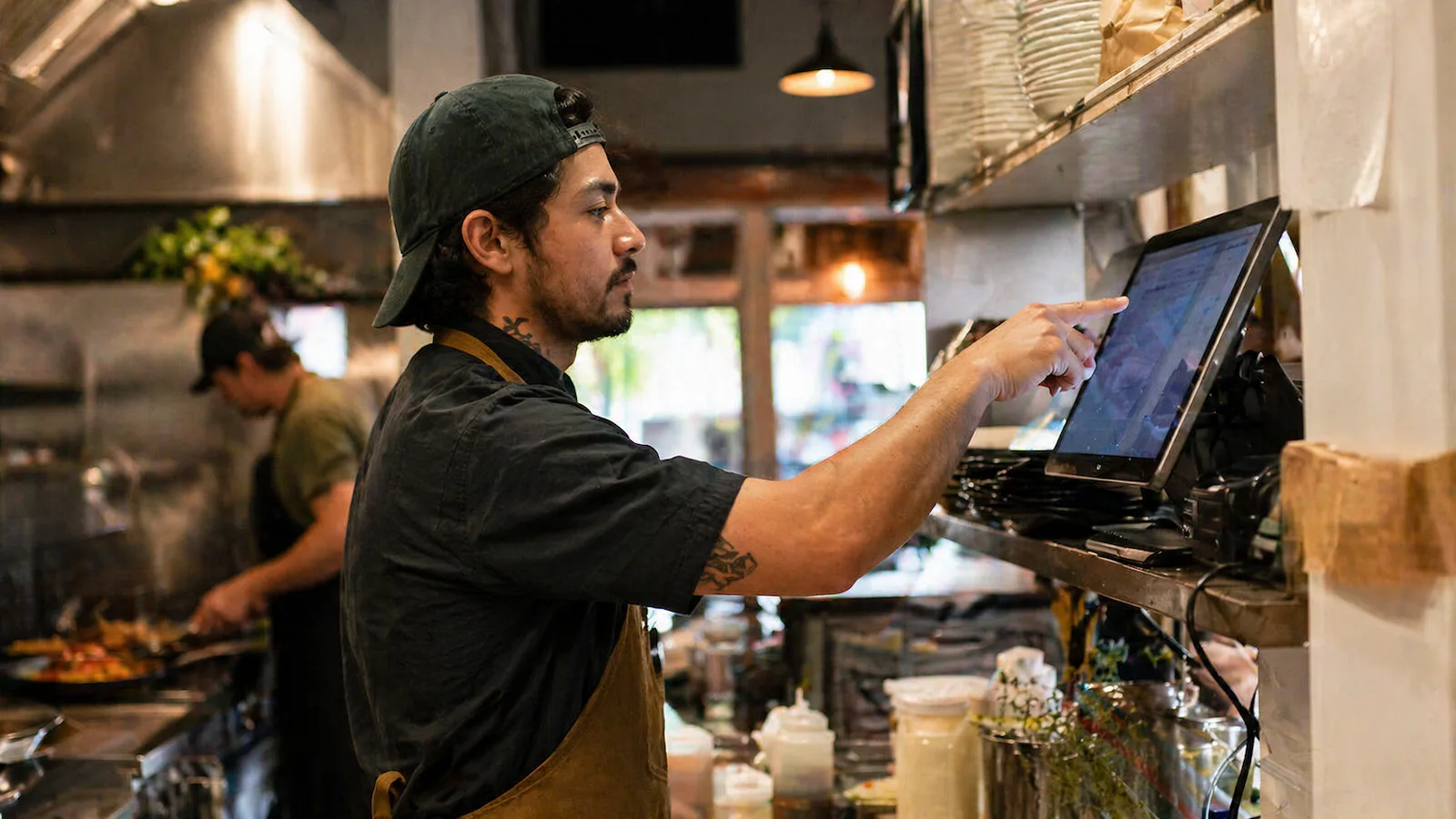
San Francisco restaurants operate in a wide range of physical environments — historic buildings, dense storefronts, mixed-use spaces, patios, and multi-room layouts.
PluggedIn Pros provides on-site network assessments, troubleshooting, and infrastructure improvements for restaurants across San Francisco.
Mission District, SoMa, Castro, Hayes Valley, Marina, Sunset, Richmond, and nearby neighborhoods.
Ready when you are
Start with a Network Assessment
If your restaurant network has become unpredictable or difficult to manage, a structured assessment can help identify what’s happening and what to do next.